1. Bring the collection in
- Load your Discogs CSV or connect through the API.
- Compare incoming records with your master collection.
- Review changes and apply the updates you approve.
Discogs Toolkit workflow
One master collection connects six modules: import your records, organize and enrich your stock, manage prices and sales, then prepare listings or publish your storefront.
The workflow
Six connected modules take your collection from imported records to organized stock, ready-to-post listings and a storefront for selling.
Load a Discogs CSV export or connect through the Discogs API. Review differences before updating your master collection.
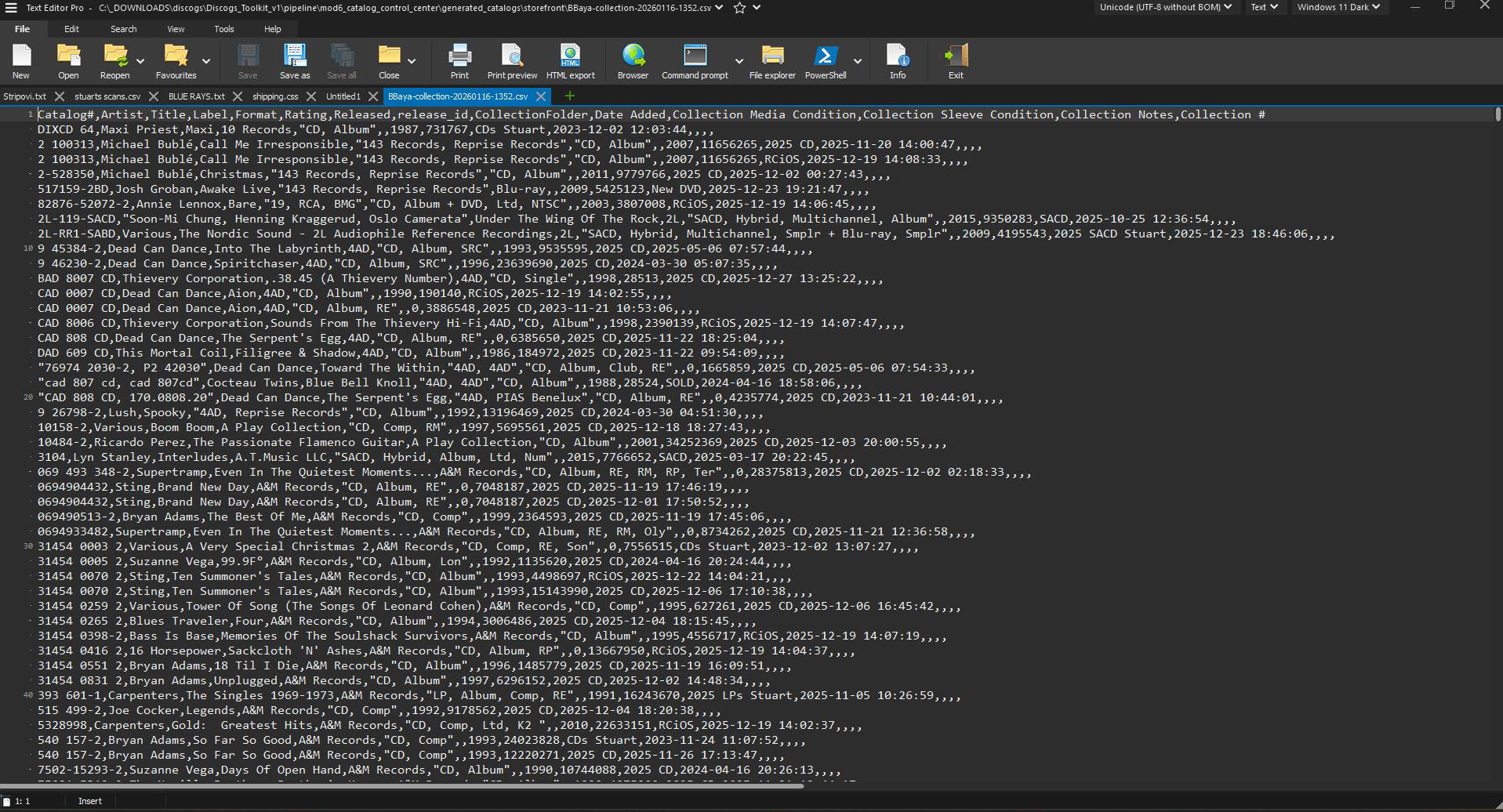 Import & compare →
MOD2 · Organize: clean names and formats; assign physical copy codes.
MOD3 · Enrich: add release details and cover images.
MOD4 · Manage: set prices, track availability and record sales.
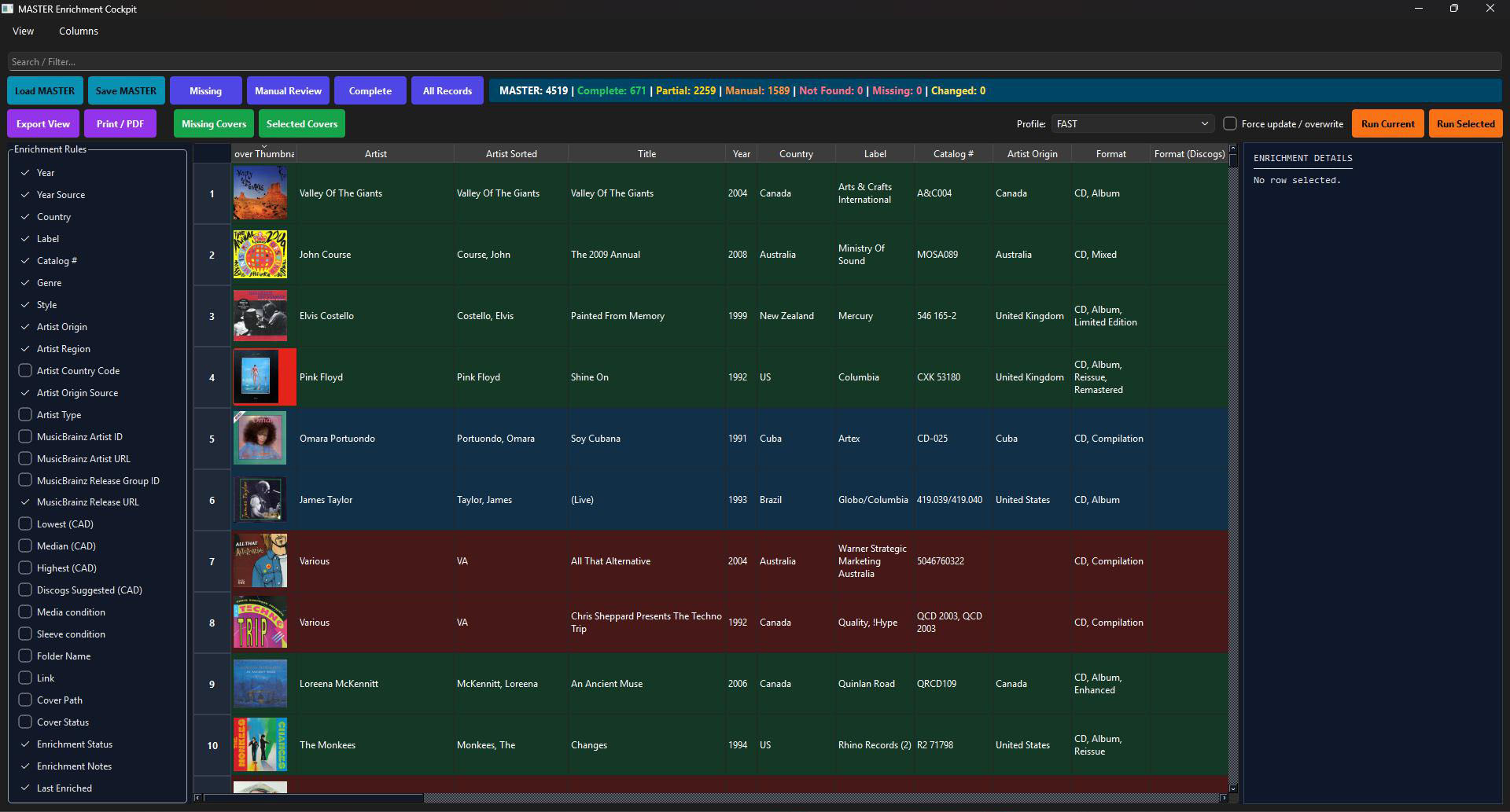 Collection & stock tools →
MOD5: prepare marketplace drafts and use assisted posting.
MOD6: build catalogs and a storefront to showcase your stock for sale.
Sold a record or changed a price? Update your inventory, then regenerate the output you need.
What to do at each step